
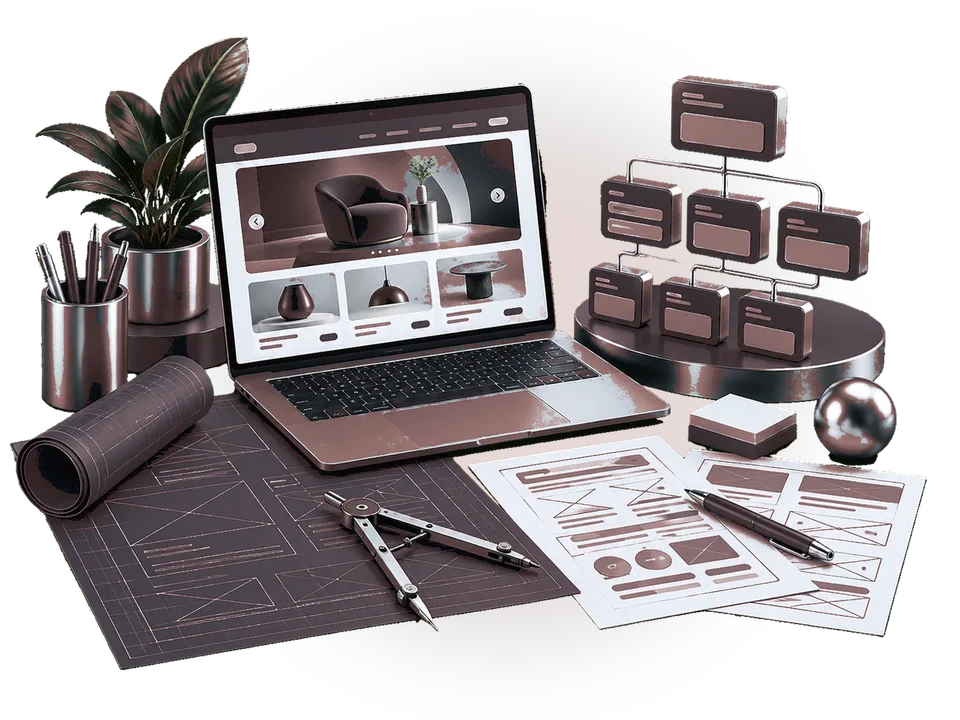
Begin with the job of this one page
A single page should have a defined role: explain a service, answer a question, introduce a campaign or collect an enquiry. Write the main message and next step before filling a template with sections. Supporting proof and practical details should appear where they resolve the reader’s next uncertainty.
Place the page within the existing navigation and internal links. Decide which broader page introduces it and which related explanation it should reference. A useful standalone page still needs a clear route back into the website. Review its heading, title and contact context without assuming visitors arrived through the homepage.
Prepare the foundations for a new website
A new website needs approved business details, a clear purpose and decisions about ownership before production. Confirm who controls the domain, who approves content and who will maintain the site. Gather usable assets early so the design is based on real information rather than placeholder material.
Start with one representative page and an agreed visual direction, then extend the system to the remaining content. Test the main enquiry or buying task before publication. If an older domain or site is being replaced, treat existing URLs and email arrangements as migration requirements. A new look should not accidentally remove useful routes or disrupt incoming enquiries. Record launch responsibilities and a practical update process before considering the project handed over.
Design a page within the larger journey
A web page has a particular job within the site. A homepage introduces routes, a service page explains an offer and a contact page completes an enquiry. Decide that job before choosing the layout. Reusing the same hero and call to action on every page can leave important questions unanswered.
Sketch the order of information using actual headings and supporting details. For a hypothetical service page, move from suitability to scope, evidence and enquiry requirements. Link to deeper guidance where it helps instead of interrupting the main explanation. Review the page in context: how someone reaches it, which question it answers and where they go next. A visually complete composition is not complete if those connections are missing.
Give editors safe control over recurring content
An editing system should reflect the information the business changes regularly. Define reusable fields for a service title, introduction, main image and contact route rather than asking editors to rebuild an entire page layout. Protect structural components while allowing ordinary content changes. Use representative long text and missing optional images to test whether the template remains coherent.
During handover, ask the person who will maintain the site to perform a real update. They should be able to preview, correct and publish it without undocumented workarounds. Explain image dimensions and how to write meaningful link labels. Keep the number of tools manageable, and document which features rely on subscriptions or custom code so later maintenance decisions are informed.
Discuss the work with Web Design Paarl
A guesthouse, specialist shop and consulting practice need different information. We organise your pages around real customer questions, from availability and location to service scope.
Send the relevant requirements to info@webdesignpaarl.co.za. We will confirm scope, availability and the appropriate next step before work is agreed.
Related questions
Continue with dental website design, design website without coding and web page design for the related decisions in your brief.